
Buy LinkedIn Sales Navigator – Find Better Leads and Grow Your Business
Buy LinkedIn Sales Navigator from LinkPVA.com and make finding potential customers a more focused part of your sales process. If you run a business, work in sales, or help clients generate leads, you probably know how much time goes into finding the right people to contact. You search for companies, look through profiles, check job titles, and try to figure out who actually makes purchasing decisions.
LinkedIn Sales Navigator helps make that research easier. Instead of relying entirely on regular LinkedIn searches, you can use more detailed filters, save potential leads, follow companies, and keep track of people who matter to your business.Whether you’re an independent consultant in London, a marketing agency in New York, or a growing business in Toronto, having the right prospecting tools can make a difference.
A LinkedIn Sales Navigator subscription gives you access to sales-focused features that help you research prospects and organize your outreach. At LinkPVA.com, you can explore the available offer and review the product details before making a purchase.
If your goal is to reach more relevant decision-makers in the USA, UK, Canada, or Europe, Sales Navigator is worth considering.
What Is LinkedIn Sales Navigator?
LinkedIn Sales Navigator is a prospecting tool built for people who use LinkedIn to find potential customers and develop business relationships.
Think about how you normally look for new clients. You might search for a company, open several employee profiles, and try to work out who handles marketing, purchasing, or business development. If you’re doing that every day, the process quickly becomes time-consuming.
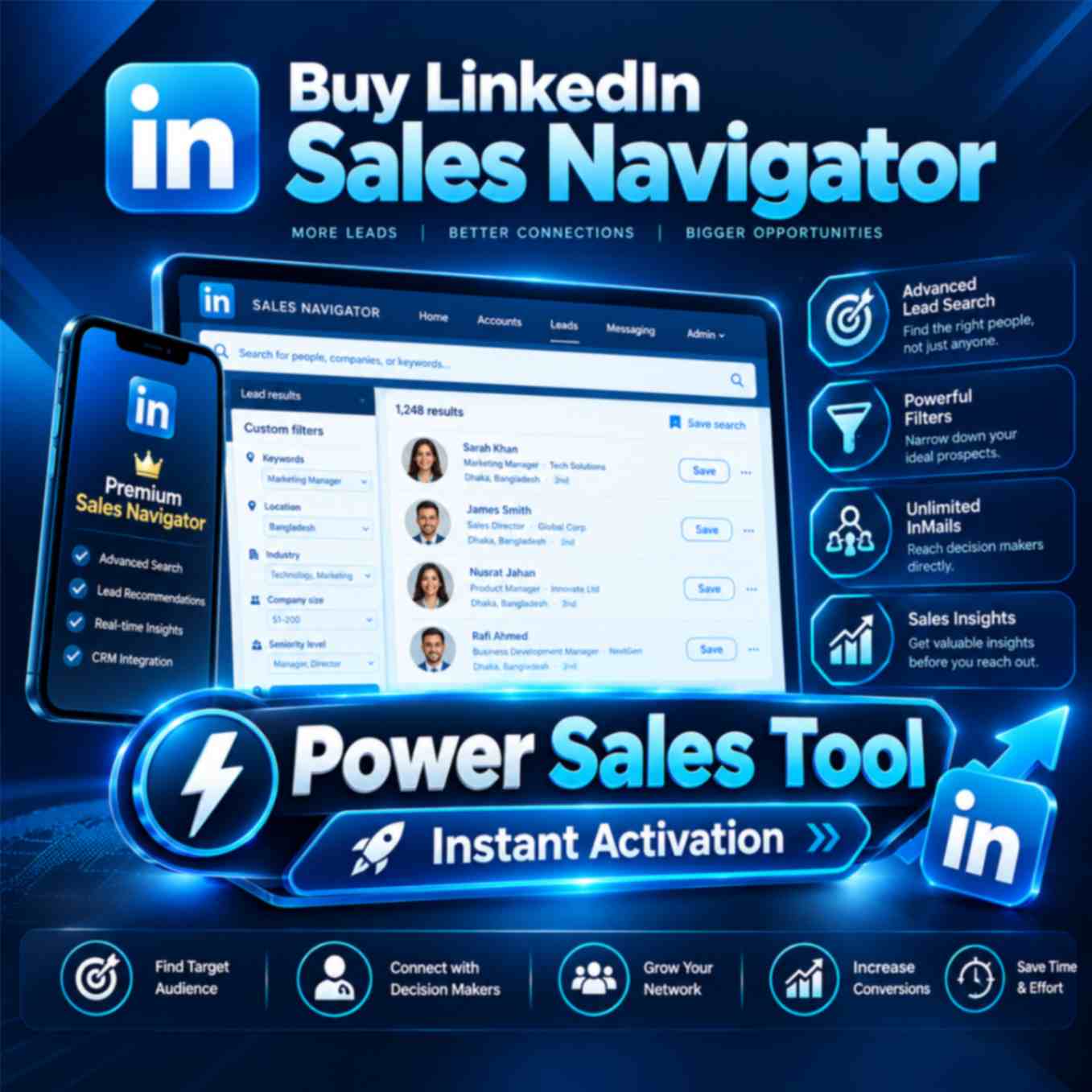
Sales Navigator gives you more control over those searches.You can look for professionals based on their job titles, company sizes, industries, locations, and other available filters. You can also save leads and companies so you don’t have to start your research from scratch every time.
For example, suppose you offer website development services to small businesses in the United States. You could search for founders or business owners in specific industries and locations rather than browsing unrelated profiles.
When you Buy LinkedIn Sales Navigator, the tools available to you depend on the plan you choose. Some features are designed for individual professionals, while others support larger sales teams.It’s not a shortcut that automatically brings in customers. It’s a way to make your prospecting more organized and give yourself a better starting point for meaningful business conversations.
Why Choose LinkPVA.com for LinkedIn Sales Navigator?
When you’re buying a digital business tool, you want to know exactly what you’re getting. A confusing product description or unclear subscription terms can make even a useful product difficult to evaluate.
At LinkPVA.com, our aim is to help customers understand the available product and decide whether it fits their needs.
A Straightforward Way to Explore Your Options
Nobody wants to spend half an hour trying to understand what a product includes.
The LinkPVA.com product listing gives you a place to review the available offer, including the details provided about the plan, subscription period, and purchasing conditions.
Before ordering, take a moment to check which Sales Navigator plan is being offered and how activation works.
Useful for Individuals and Growing Teams
You don’t need to manage a large sales department to benefit from Sales Navigator.
A freelancer looking for a few new clients each month may use it differently from an agency researching hundreds of potential business contacts.
A consultant might focus on company founders. A software sales representative might look for IT directors. A marketing agency could research business owners in a particular city.
The platform supports these different approaches through its prospecting tools.
Reach Professionals Across Different Markets
If you sell services internationally, location-based prospecting can be especially helpful.
You might work from one country while targeting customers in the United States, United Kingdom, Canada, Germany, France, or the Netherlands.
A LinkedIn Sales Navigator subscription allows you to use available geographic filters to research professionals in those markets. This means you can spend more time reviewing people who match your target audience instead of sorting through unrelated search results.
Know What You’re Purchasing
Before completing an order, it’s important to understand the subscription duration, plan features, activation method, and any relevant purchase conditions.
Check the information displayed on LinkPVA.com and ask for clarification if something isn’t clear.
That way, you can make your decision based on what your business actually needs.
What Can You Do with LinkedIn Sales Navigator?
The biggest reason people use Sales Navigator is simple: they want to find the right business contacts without wasting time on irrelevant searches.
Here’s how its main features can help.
1. Find Prospects with Advanced Search Filters
Imagine you’re trying to reach marketing directors at software companies in the UK.
With regular LinkedIn search, you may need to spend considerable time reviewing profiles that don’t match your requirements.
Sales Navigator offers more detailed search filters, helping you narrow your research.
Depending on the available filters, you can search by:
- Job title and professional role
- Industry and company name
- Country, city, or geographic region
- Company size
- Seniority level
- Professional background
- Other supported lead criteria
These options are useful when you already know what your ideal customer looks like.
Instead of searching for everyone, you can focus on a smaller group of potentially relevant professionals.
2. Research Companies Before Contacting Them
Sometimes finding the right company matters just as much as finding the right person.
Let’s say your agency works with manufacturing businesses. You may want to identify companies in Canada with a particular employee range. Sales Navigator’s account search tools can help you research businesses using relevant company filters. Once you’ve found an organization that looks promising, you can explore the professionals associated with it.
This approach is particularly useful when you’re working on account-based sales campaigns.
3. Discover Potential Leads You Might Have Missed
You won’t always know every company or professional worth contacting.
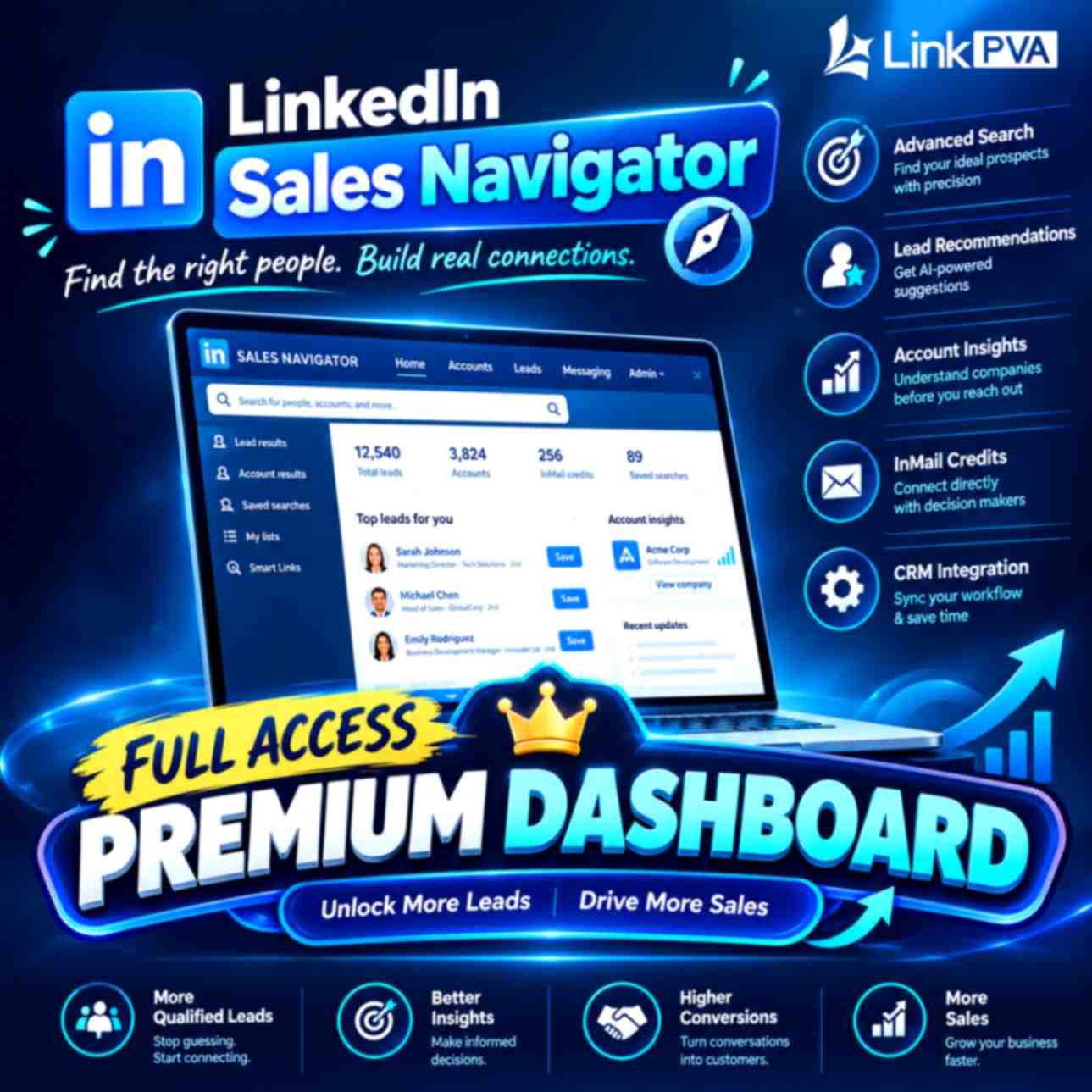
Sales Navigator offers lead recommendations based on available information and your prospecting activity.
These suggestions can introduce you to professionals who weren’t included in your original search.
Of course, not every recommended profile will be a suitable customer. You’ll still need to review each prospect and decide whether there’s a genuine business fit.
4. Contact Professionals Through InMail
One challenge with LinkedIn networking is reaching people who aren’t already connected with you.
Eligible Sales Navigator plans include InMail credits, allowing you to message certain professionals outside your existing network under LinkedIn’s rules.
This can be useful when you’ve identified someone relevant but don’t have a direct connection.
However, the message itself matters.
A short introduction that refers to the person’s work and explains why you’re reaching out is usually more thoughtful than a generic sales pitch.
InMail availability, credits, and restrictions depend on the selected plan.
5. Keep Your Leads Organized
It’s easy to lose track of prospects when you’re researching dozens of companies.
You might find a promising business today and forget its name next week.
Sales Navigator lets you save leads and accounts so you can return to them later.
You can organize your research around the people and companies you want to follow, making your prospecting process easier to manage.
6. Stay Aware of Relevant Changes
Business opportunities sometimes appear when something changes.
A professional may move into a new position. A company may have an important update. A prospect you’ve been following might become more relevant to your services.
Sales Navigator provides certain lead and account alerts, depending on your plan and available data.
These updates can help you decide when it makes sense to reconnect or start a conversation.
When you Buy LinkedIn Sales Navigator, you’re getting access to a set of research tools that can support your daily sales work, not just another place to browse professional profiles.
How LinkedIn Sales Navigator Can Help Your Business
Every business has its own way of finding customers.
Some rely on referrals. Others invest in advertising, content marketing, cold outreach, or networking.
Sales Navigator can support these efforts by helping you identify and research the people you want to reach.
Spend Less Time Looking for the Wrong People
One of the most frustrating parts of prospecting is spending time on contacts who aren’t relevant.
You might contact someone only to discover they don’t handle purchasing decisions or work in the industry you’re targeting.
With better search criteria, you can narrow your initial research.
You still need to qualify each prospect, but starting with a more focused list can make the process more manageable.
Make Your Outreach More Personal
People receive plenty of sales messages.
If your introduction looks like something sent to hundreds of strangers, there’s little reason for the recipient to pay attention.
Sales Navigator helps you research professional backgrounds and company information before reaching out.
For example, instead of sending a generic message about SEO services, you could first understand what type of business someone manages and whether your services are relevant.
Good prospect research gives you context. What you do with that context is what makes your outreach useful.
Build a Consistent Prospecting Routine
Finding new customers isn’t usually a one-time activity.
You need to research leads, start conversations, follow up when appropriate, and review your results.
A LinkedIn Sales Navigator subscription can help you keep those activities organized.
You can save potential contacts, revisit accounts, and continue researching your market without repeating every step.
The platform doesn’t guarantee meetings or sales. Your offer, timing, targeting, and communication still determine how successful your efforts will be.
Who Can Benefit from LinkedIn Sales Navigator?
Sales Navigator is often associated with large sales teams, but plenty of smaller businesses and independent professionals use prospecting tools too.
Sales Representatives and Business Development Teams
If finding new business opportunities is part of your job, Sales Navigator can help you research potential customers.
You can identify professionals in target industries, explore relevant companies, and build lists of prospects for further qualification.
Digital Marketing Agencies
Marketing agencies often need to connect with founders, marketing managers, and business owners.
For example, an SEO agency serving dental practices in the United States might research clinic owners and other relevant business contacts.
Instead of approaching every business, the agency can focus on prospects that match its services.
Freelancers and Independent Consultants
If you’re a freelance web developer, designer, SEO consultant, or business adviser, you probably don’t have an entire team researching leads for you.
Sales Navigator can help you identify potential clients and organize your prospecting.
You can focus on a particular industry, city, or business size depending on the type of projects you want.
Startup Founders
For an early-stage business, finding the first few customers can require a lot of research.
Sales Navigator can help founders explore target industries, identify relevant decision-makers, and learn more about potential customers.
It can also support professional networking with people in related businesses.
Lead Generation Agencies
Agencies that provide B2B lead research can use Sales Navigator to identify professionals and companies based on specific client requirements.
If you Buy LinkedIn Sales Navigator, you can build a prospecting workflow around more detailed searches and organized lead research.
Just remember that responsible outreach matters. LinkedIn’s platform rules and applicable privacy laws still apply.
Recruitment and Staffing Businesses
Recruitment businesses may use Sales Navigator to find potential client companies and build relationships with hiring decision-makers.
For dedicated candidate sourcing, LinkedIn Recruiter may offer a more suitable set of features.
Finding Business Leads in the USA, UK, Canada, and Europe
One of the useful things about LinkedIn is that professional networking isn’t limited to your own city or country.
If your business serves international clients, Sales Navigator can help you research contacts in the markets that matter to you.
United States
The USA has a wide range of B2B markets, from technology and healthcare to manufacturing and professional services.
You might be looking for business owners in New York, marketing directors in Chicago, or technology managers in San Francisco.
Sales Navigator allows you to combine supported location filters with professional and company criteria.
This can make your research more focused, especially when you’re targeting a particular industry.
United Kingdom
For businesses targeting the UK, cities such as London, Manchester, Birmingham, and Leeds may be relevant depending on the service being offered.
You can research professionals by location, role, and other available criteria.
A consulting business, for instance, might use Sales Navigator to identify operations directors at companies within its target market.
Canada
Canada offers opportunities across industries such as technology, finance, logistics, manufacturing, and professional services.
A LinkedIn Sales Navigator subscription can help you research professionals in Toronto, Vancouver, Calgary, Montreal, and other Canadian locations.
You can also narrow your search by industry or company characteristics.
European Markets
Europe includes many different business environments.
A company targeting Germany may have different prospecting needs from one targeting France, Spain, Italy, or the Netherlands. Sales Navigator can help you research each market separately.
However, international prospecting should always take local communication preferences and privacy requirements into account. For European contacts, make sure your outreach practices comply with applicable data protection and marketing rules.
How to Start Generating Leads with Sales Navigator
You don’t need an overly complicated process to begin using Sales Navigator.
A few practical steps can help you get started.
Step 1: Decide Who You Want to Reach
Before opening the search filters, think about your ideal customer.
What industry do they work in? What is their job title? How large is their company? Where are they located?
For example, if you provide accounting software for small businesses, you might want to research finance managers or business owners at companies within a specific size range.
The clearer your target audience, the easier it becomes to choose useful filters.
Step 2: Build a Focused Search
Start with the most important criteria.
You might choose a country, industry, job title, and company size.
Avoid adding filters just because they’re available. Use the ones that actually help identify your target customers.
Step 3: Review the Results
A profile appearing in your search results doesn’t automatically make that person a qualified lead.
Take a little time to review their role and company.
Ask yourself whether your service is genuinely relevant to their business.
Step 4: Save Promising Prospects
When you find relevant professionals or companies, save them for future research.
This makes it easier to return to your prospect list and keep track of the accounts you want to explore.
Step 5: Write a Relevant Introduction
Your first message should feel like it was written for the person receiving it.
Avoid exaggerated promises or generic claims.
A simple introduction that explains your reason for reaching out can be more useful than a long promotional message.
Step 6: Review What’s Working
After you’ve started contacting prospects, pay attention to the quality of your conversations.
Which industries respond? Which job titles are most relevant? Are you reaching the right people?
Use those observations to improve your searches and messaging.
When you Buy LinkedIn Sales Navigator, having a clear process will help you make better use of the features included in your plan.
LinkedIn Sales Navigator vs Regular LinkedIn
You might be wondering whether you really need Sales Navigator when you already have a LinkedIn account.
The answer depends on how you use LinkedIn.
If you mainly connect with colleagues, share posts, and follow industry news, a regular account may be enough.
But if you’re actively researching prospects every week, Sales Navigator offers tools specifically designed for that work.
| Feature | Regular LinkedIn | Sales Navigator |
|---|---|---|
| Professional networking | Yes | Yes |
| Basic people search | Yes | Yes |
| Advanced sales search filters | Limited | Yes |
| Lead recommendations | Limited | Yes |
| Saved leads and accounts | Limited | Yes |
| Sales-related alerts | Limited | Yes |
| InMail messaging | Depends on plan | Plan-dependent allocation |
| Team collaboration features | Not standard | Available on eligible plans |
A LinkedIn Sales Navigator subscription may be useful if prospecting is a regular part of your work and you need more detailed research capabilities.
If you only contact a few people occasionally, consider whether the additional features justify the subscription cost.
Which LinkedIn Sales Navigator Plan Should You Choose?
LinkedIn offers different Sales Navigator plans, and the best choice depends on how you work.
Sales Navigator Core
Core is designed for individual sales professionals who want advanced prospecting capabilities.
It may suit freelancers, consultants, business owners, and sales representatives who manage their own lead research.
Sales Navigator Advanced
Advanced includes additional capabilities intended for teams.
It may be worth considering if several people in your organization work together on prospecting and relationship development.
Sales Navigator Advanced Plus
Advanced Plus is aimed at organizations with more complex sales requirements, including certain integration and enterprise-focused capabilities.
Not every feature is available on every plan.
Before purchasing from LinkPVA.com, confirm which plan is included in the offer and whether it meets your requirements.
How to Buy LinkedIn Sales Navigator from LinkPVA.com
If you’ve decided Sales Navigator could be useful for your business, the next step is to review the available product offer.
Step 1: Open LinkPVA.com
Visit LinkPVA.com and find the LinkedIn Sales Navigator product listing.
Take a moment to read the description and understand what is being offered.
Step 2: Review the Plan and Duration
Check the subscription plan, duration, and any information about activation.
It’s important to know whether the offer applies to an existing LinkedIn account or involves another arrangement.
Step 3: Check the Purchase Terms
Review the price, payment conditions, delivery information, renewal terms, and refund policy where provided.
If you’re unsure about any part of the offer, ask for clarification before placing an order.
Step 4: Place Your Order
Follow the checkout process shown on the website.
Only provide information necessary for a legitimate purchase. Avoid sharing passwords or verification codes with unauthorized parties.
Step 5: Begin Using the Available Features
Once the subscription has been activated, you can start exploring the tools included in your plan.
Begin with a small, relevant prospect list and build your workflow from there.
If you’re planning to Buy LinkedIn Sales Navigator, reviewing the offer on LinkPVA.com can help you decide whether the available option suits your business.
Practical Tips for Getting More from Sales Navigator
Getting access to a prospecting tool is one thing. Using it consistently is another.
Start with a clear target audience. Rather than searching for everyone who might possibly need your service, focus on people who closely match your ideal customer. Keep your lead lists organized. If you serve several industries or countries, consider researching each market separately.
Pay attention to professional context before sending messages. A little research can help you avoid irrelevant outreach.
Don’t judge your progress only by how many profiles you’ve viewed or messages you’ve sent.
Look at whether you’re starting useful conversations with the right people.
It’s also worth reviewing your LinkedIn Sales Navigator subscription from time to time. Think about how often you use the features and whether the plan still fits your needs.
A good prospecting routine is usually built through small improvements, not one dramatic change.
Frequently Asked Questions
1. What is LinkedIn Sales Navigator used for?
LinkedIn Sales Navigator helps sales professionals and businesses research potential customers, identify decision-makers, and organize prospecting activities.
Its advanced search features are particularly useful for B2B sales and business development.
2. Is LinkedIn Sales Navigator worth buying?
It can be worthwhile if you regularly search for potential customers on LinkedIn and need more detailed filters and lead management features.
Whether it’s worth the cost depends on how often you’ll use it and the value it brings to your sales process.
3. Can I find leads in the USA, UK, Canada, and Europe?
Yes. Sales Navigator supports geographic filtering, allowing you to research professionals in different countries and regions.
The availability of individual profiles and information depends on LinkedIn’s data and platform settings.
4. Does Sales Navigator include InMail?
Eligible Sales Navigator plans include InMail credits.
The number of credits and applicable conditions depend on the plan and LinkedIn’s current terms.
5. Can Sales Navigator automatically generate customers?
No. Sales Navigator helps you research and identify potential prospects.
Turning those prospects into customers still requires a relevant offer, effective communication, and a thoughtful sales process.
6. Can freelancers use LinkedIn Sales Navigator?
Yes. Freelancers and independent consultants can use the platform to research potential clients and build professional relationships.
It’s particularly useful for people offering B2B services.
7. Is Sales Navigator the same as LinkedIn Premium?
No. LinkedIn Premium offers broader professional features, while Sales Navigator focuses on sales prospecting and account research.
The right choice depends on what you want to accomplish.
8. How long does a Sales Navigator subscription last?
Subscription duration depends on the selected billing arrangement or offer.
Check the specific duration and renewal conditions before purchasing.
9. Can I use Sales Navigator with my existing LinkedIn profile?
LinkedIn normally provides Sales Navigator through eligible LinkedIn accounts.
If you’re considering a third-party offer, confirm how activation works and whether it is compatible with your existing profile.
10. Where can I Buy LinkedIn Sales Navigator?
You can purchase Sales Navigator through LinkedIn or review the available product offer on LinkPVA.com.
Before ordering, check the plan details, activation method, subscription duration, and applicable terms.
Final Thoughts – Make Your Prospecting More Focused
Finding potential customers takes time, especially when you’re trying to reach the right people in competitive markets. LinkedIn Sales Navigator can help you research professionals, explore target companies, and keep your prospecting activities organized. It’s useful for sales representatives, consultants, freelancers, agencies, and business owners who regularly look for new B2B opportunities.
A LinkedIn Sales Navigator subscription can also support international prospecting if you’re targeting businesses in the United States, United Kingdom, Canada, or Europe.
If you’re ready to Buy LinkedIn Sales Navigator, visit LinkPVA.com to explore the available offer, review the subscription details, and decide whether it’s the right fit for your business.
Explore the LinkedIn Sales Navigator product on LinkPVA.com and start building a more focused approach to finding potential customers.

Reviews
There are no reviews yet.